Creative Coding Week 11
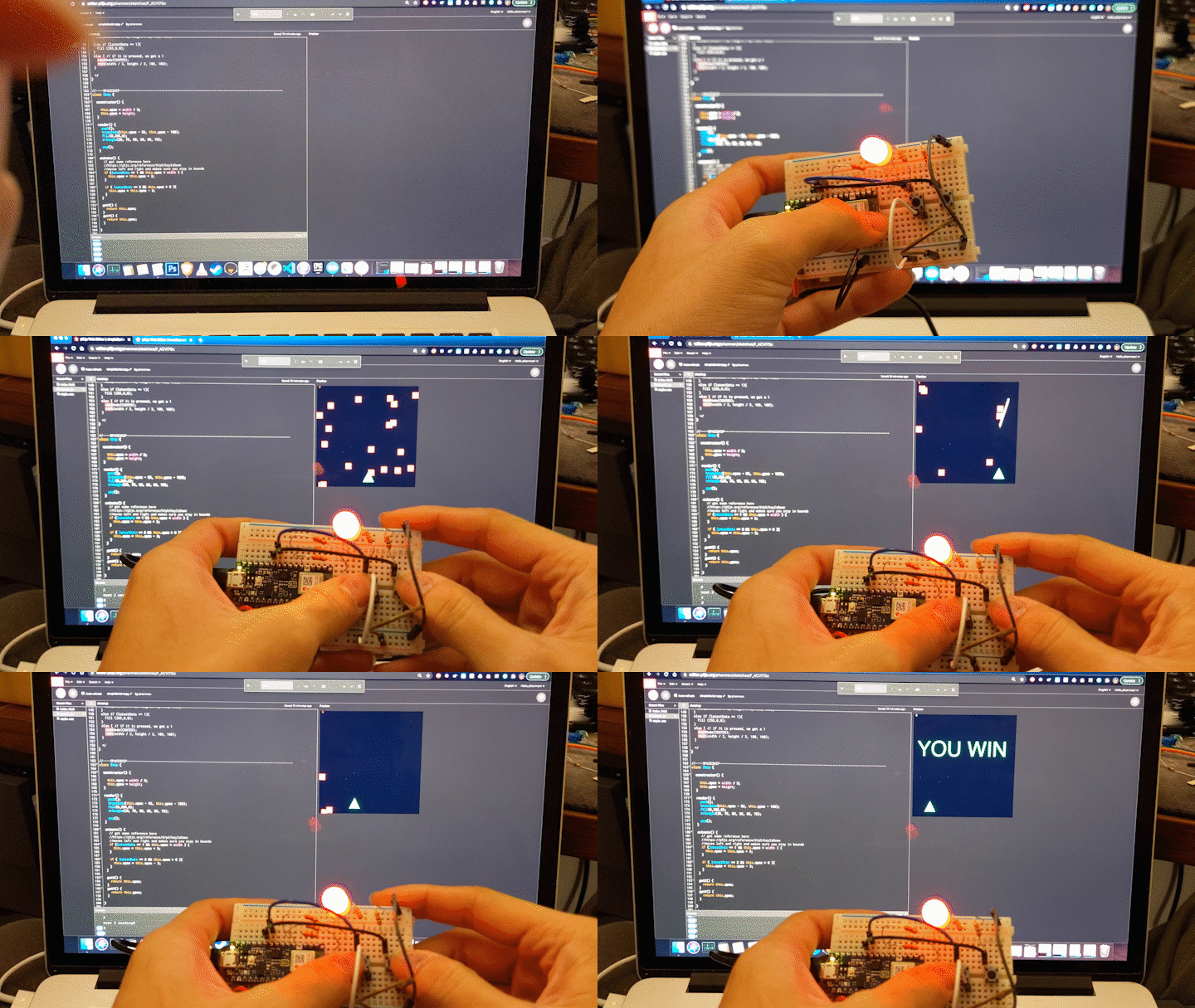
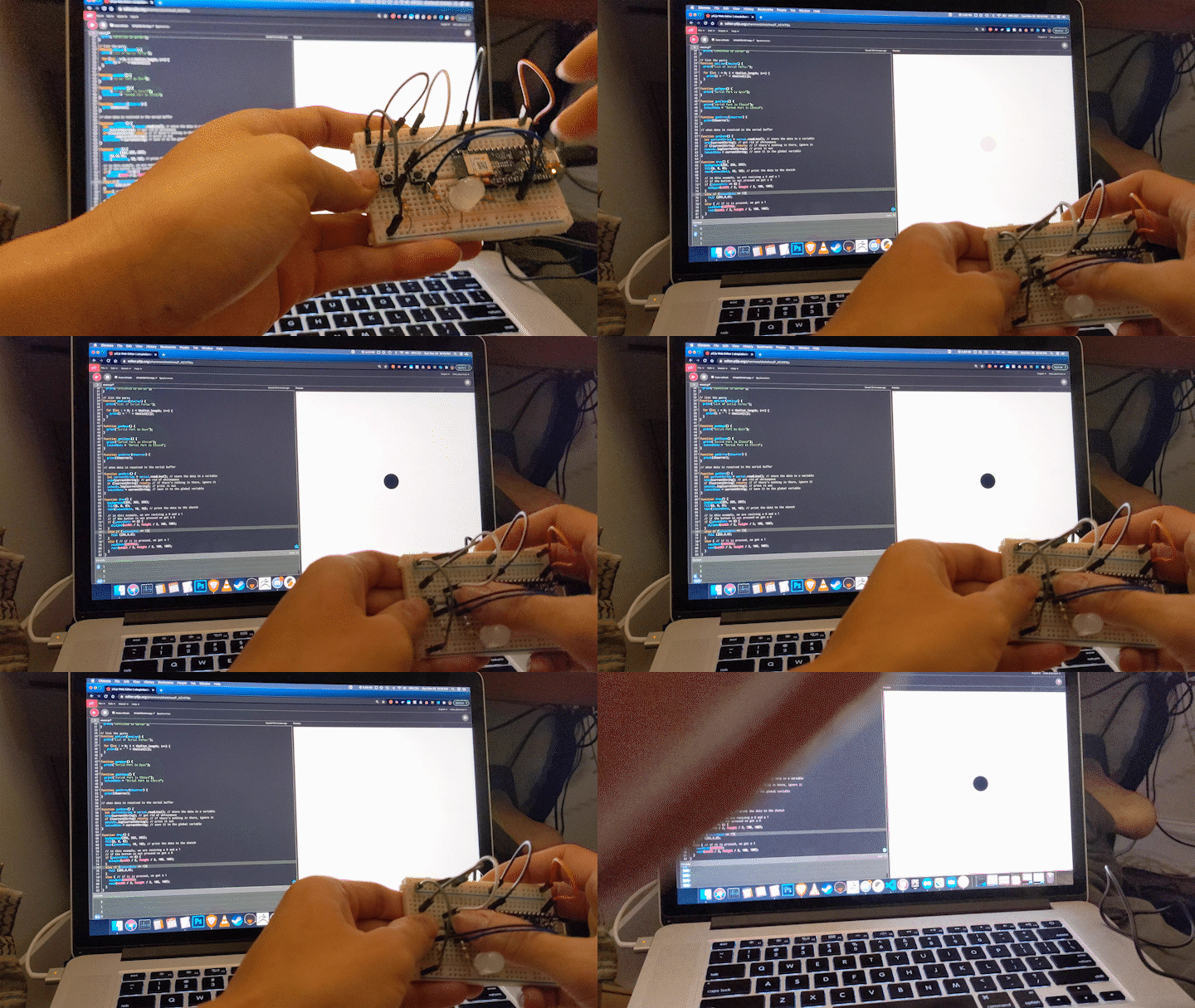 I started off by testing my second button with the example code and decided to have the shape change fill color. Once I
knew that would work, I copied over my code and replaced the keystrokes with the physical button presses. I considered adding
a 3rd button for shooting but the controller was already cramped so I decided to just have the ship shoot when you move. Overall
I'm pretty glad that I'm starting to get the hang of these electronic things.
I started off by testing my second button with the example code and decided to have the shape change fill color. Once I
knew that would work, I copied over my code and replaced the keystrokes with the physical button presses. I considered adding
a 3rd button for shooting but the controller was already cramped so I decided to just have the ship shoot when you move. Overall
I'm pretty glad that I'm starting to get the hang of these electronic things.
Final Project Proposal
For my final, I want to propose creating a bluetooth micro controller to send and receive inputs with Unreal Engine 4. I’ve discovered some support for UE4Duino which should guide me somewhat. In my motion capture class, I’m creating an interactive shooter game and I think it would be cool to have a custom wireless controller to control an input in it. https://github.com/RVillani/UE4Duino The other thing I want to implement into the design is a solenoid for some cool haptic feedback. I found some documentation here on how to do such a thing. I think it would be cool to 3D print a nice chasis for the controller as well. https://www.instructables.com/DIY-Backfire-Mouse-in-the-Game-PUBG-Gameplay/ So the way it would work is that the micro controller would send a signal to UE4 when a button is pressed. UE4 will check if the conditions for shooting is correct (weapon is armed). UE4 will send a signal back to the micro controller causing the kickback.
home
while (!deck.isInOrder()) {
print 'Iteration ' + i;
deck.shuffle();
i++;
}
print 'It took ' + i + ' iterations to sort the deck.';